
SanDisk Ultra 1TB
4.7Editor score
150MB/s maximum read speed
One terabyte storage capacity
A1 application performance
Our 1TB Micro SD Cards guide compares ten high-capacity cards for speed, durability, 4K video, app performance, compatibility, and everyday value in 2026.
A 1TB microSD card gives phones, cameras, drones, tablets, and handheld gaming devices ample room for large media libraries without constant transfers. The right card should combine dependable sustained performance, useful speed classes, broad device compatibility, and durability suited to wherever it will be used.
We compared ten 1TB microSD cards using their stated specifications, including read and write speeds, UHS-I, U3, V30, and A2 ratings, supported use cases, included accessories, and environmental protections. The list covers premium performance cards, general-purpose options, and value-focused models for different recording and storage needs.
Each pick reveals what its capacity, performance ratings, and durability design make it best suited for, while also noting relevant limitations. Product listings and pricing can change over time, so confirm the current specifications, device support, and latest cost before making a purchase.
4.7Editor score
4.8Editor score

4.7Editor score
This side-by-side comparison highlights the stated performance ratings, interface class, application rating, and intended uses of all ten cards, helping you identify the option that best matches your device and workload.




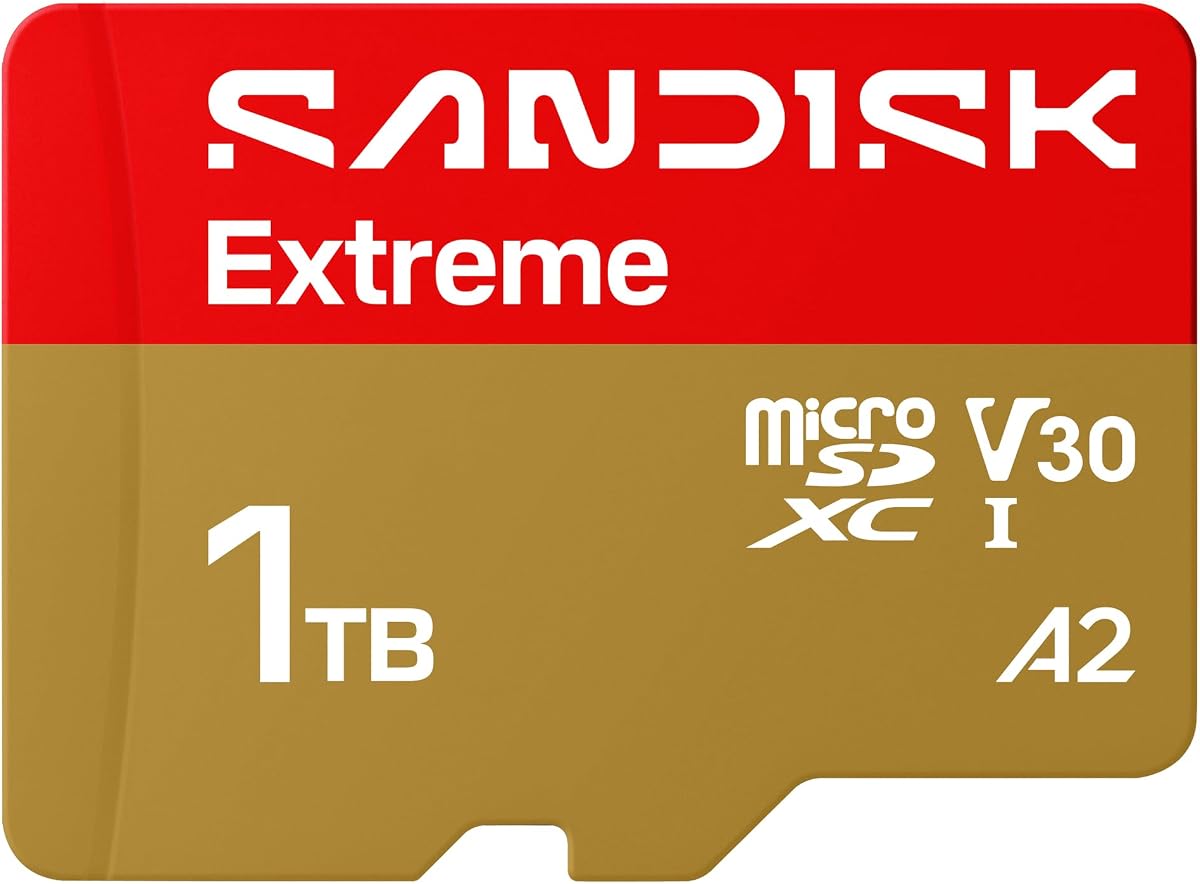
The SanDisk Extreme 1TB combines the highest stated read speed in this group with a 4.8 rating, making it a strong choice for users who regularly move large photo and video libraries. Its specifications target demanding workflows involving 5K point-of-view recording, 4K UHD footage, action cameras, drones, and Android devices.
We may earn a commission when you buy through this link, at no additional cost to you.
The card is specified to reach up to 245MB/s read and 170MB/s write, with U3 and V30 speed classes for high-resolution video. It also offers extensive environmental protections, including temperature, humidity, water, shock, drop, magnet, X-ray, and wear resistance, reducing concern when the card travels between demanding devices.
The main qualification is that headline transfer speeds depend on compatible hardware and real-world conditions. Its 5K emphasis also does not mean every host device can record at that resolution or sustain the advertised rate. Nevertheless, the combination of capacity, speed, durability, and SanDisk Memory Zone file management makes it unusually complete for high-volume creators.
Choose the SanDisk Extreme if your priorities are fast transfers, extensive media capture, and rugged day-to-day use. It is a particularly compelling fit for action-camera and drone owners who want more performance headroom than a basic Class 10 card, provided they also use compatible high-speed readers and host equipment.
The stated 245MB/s read and 170MB/s write figures give this card ample throughput for large video files, burst photography, and rapid offloading. Actual results will depend on the camera, phone, card reader, file size, interface, and whether recording remains continuous.
Its strong write speed and U3 V30 classifications suit users creating 4K UHD or higher-resolution footage. The card is particularly relevant when devices demand sustained throughput rather than merely recognizing a high-capacity card.
We may earn a commission when you buy through this link, at no additional cost to you.
The PNY PRO Elite Prime 1TB stands out for bringing high stated throughput, modern speed classes, and 1TB capacity into one broadly compatible card. Its 4.6 rating and specification set make it an appealing middle ground for phones, tablets, cameras, drones, computers, and other microSD-enabled devices.
We may earn a commission when you buy through this link, at no additional cost to you.
PNY lists read speeds up to 200MB/s and write speeds up to 150MB/s when the card is used with the specified Performance Prime reader. U3 and V30 performance supports demanding video workflows, while A2 classification is intended to improve app launches and direct-from-card application performance.
The performance figures are not unconditional: reaching the stated maximum depends on using the appropriate reader and a host capable of delivering comparable throughput. The card is also explicitly not compatible with Nintendo Switch 2. For older and current microSD workflows, however, its included SD adapter and wide device support remain useful.
This is a compelling choice for buyers who want premium-style specifications without focusing on one brand's ecosystem. It suits creative professionals, mobile users, and gamers using supported systems, provided the device and reader can take advantage of its higher transfer rates.
U3, V30, and A2 ratings give the card a useful foundation for 4K-class recording and app-heavy use. These classifications communicate minimum performance behavior more usefully than capacity alone.
The card is designed to reach its highest stated figures with a compatible Performance Prime reader. A basic USB reader may work correctly while failing to deliver the advertised headline throughput.
We may earn a commission when you buy through this link, at no additional cost to you.
The Lexar Blue 1TB pairs a 4.7 rating with up to 160MB/s read speed and support for 4K UHD recording. It is a well-rounded option for users who want modern application performance, large capacity, and recovery support without moving beyond the Blue product tier.
We may earn a commission when you buy through this link, at no additional cost to you.
Its A2 rating is intended to improve smartphone application access, while V30 performance makes it appropriate for high-resolution video. Lexar also highlights resistance to temperature, water, X-rays, vibration, magnetism, shock, drops up to 1.5 meters, and wear, making it suitable for mobile and outdoor storage.
The card's read speed requires compatible hardware to achieve the stated peak, and the listing does not provide a comparable maximum write speed. That makes it less transparent for buyers focused specifically on rapid continuous recording. In return, Lexar includes a ten-year limited warranty and lifetime access to its recovery tool, adding practical value for stored photographs and video.
Pick the Lexar Blue when you want dependable 4K-oriented storage, app responsiveness, and recovery options in a single package. It is a sensible fit for general content creators and Android users, though heavy burst or continuous-video workflows may benefit from a model with a clearly stated write-speed target.
Lifetime access to Lexar Recovery Tool can help retrieve accidentally deleted or formatted files when the situation is recoverable. It should complement—not replace—regular backups of irreplaceable media.
The card is tested against multiple environmental threats, including water, shock, vibration, X-rays, and magnetic fields. Those protections add confidence for storage carried between home, travel, and outdoor environments.
We may earn a commission when you buy through this link, at no additional cost to you.
The Samsung PRO Plus 1TB is a premium all-rounder with a 4.7 rating, up to 180MB/s reads, and up to 130MB/s writes when used with Samsung USB readers. Its balanced specifications make it a strong choice for 4K UHD capture, burst photography, and application-heavy mobile workflows.
We may earn a commission when you buy through this link, at no additional cost to you.
The card carries U3, V30, and A2 ratings, providing a useful combination for high-bitrate video and faster app access. Samsung's firmware, DRAM, and NAND are produced in-house according to the product information, while the included adapter allows use with computers, cameras, tablets, and supported handheld consoles.
As with other premium cards, achieving the stated transfer speeds requires compatible readers and host devices. It is also not compatible with Nintendo Switch 2, despite compatibility with the original Nintendo Switch. The card's protection against water, extreme temperatures, wear, and everyday handling supports use in demanding mobile workflows.
Choose the Samsung PRO Plus when you want a refined balance between media recording, transfers, and app performance rather than chasing the single highest read figure. It is especially fitting for phone creators, drone users, and 4K recorders supported by its broad compatibility.
Close read and write figures make the card suitable for workflows that involve both recording and transferring media. The result is more versatile than a card optimized primarily for reading existing files.
The included Samsung adapter broadens compatibility with SD-equipped computers and cameras. Using the brand's stated reader conditions can also help unlock the card's highest advertised transfer rates.
We may earn a commission when you buy through this link, at no additional cost to you.
The Amazon Basics 1TB U3 focuses on useful capability rather than headline speed. Its 4.6 rating, U3, V30, and A2 certifications, and full-size adapter make it a versatile option for Android devices, cameras, travel, and dashcam storage.
We may earn a commission when you buy through this link, at no additional cost to you.
The card is optimized for high-bitrate video, burst photography, RAW files, time-lapse sequences, and 4K UHD playback. A lab-tested read speed of up to 100MB/s is more modest than the leading cards in the roundup, but it remains sufficient for many common workflows when supported by the host device.
The listing explains that operating systems and measurement conventions can reduce visible capacity, while this card provides at least 908GB of usable space. It is shock-resistant, IPX6 water-resistant, rated for temperatures from -10°C to 80°C, and resistant to X-rays and magnetic fields.
Choose this model when broad everyday usefulness matters more than maximizing transfer speed. It is a good fit for 4K-capable phones, tablets, and portable cameras, but users with older equipment that supports only smaller capacities should verify recognition before relying on the full 1TB.
The card's stated usable capacity of at least 908GB accounts for operating-system formatting and decimal-versus-binary measurement differences. This gives buyers a more realistic view of the space available for media.
U3, V30, and A2 classifications make this card suitable for modern recording and Android applications. Its 100MB/s maximum read figure offers less headroom than the fastest alternatives.
We may earn a commission when you buy through this link, at no additional cost to you.
The SanDisk Ultra 1TB is a general-purpose card for Android phones and tablets that need substantial storage without specialized high-end specifications. It carries a 4.7 rating, up to 150MB/s read speed, A1 application performance, and Class 10 video performance.
We may earn a commission when you buy through this link, at no additional cost to you.
The card is intended to hold extensive Full HD media and move large batches of photographs quickly when paired with compatible hardware. Its stated transfer rate is based on internal testing with a USB 3.0 reader, so results on older computers, basic readers, or phones may be lower.
A1 is a less demanding application class than A2, and the product focuses on Full HD rather than the advanced video specifications emphasized by several competitors. Actual Full HD support also depends on the host device and file attributes. The included adapter, broad operating-temperature range, and familiar SanDisk support add convenience.
Choose the SanDisk Ultra for everyday media storage, phone memory expansion, and occasional Full HD recording. It delivers a compelling mix of capacity, speed, and customer rating without requiring the premium performance tier, especially for users who do not need intensive 4K production.
With 1TB of nominal capacity, the card can hold a large collection of photos, videos, music, and files. The operating system will display slightly less available space after formatting.
An advertised 150MB/s read speed is useful for moving photo batches and media libraries, provided the device and reader support the interface. A1 performance is intended primarily for familiar, everyday applications.
We may earn a commission when you buy through this link, at no additional cost to you.
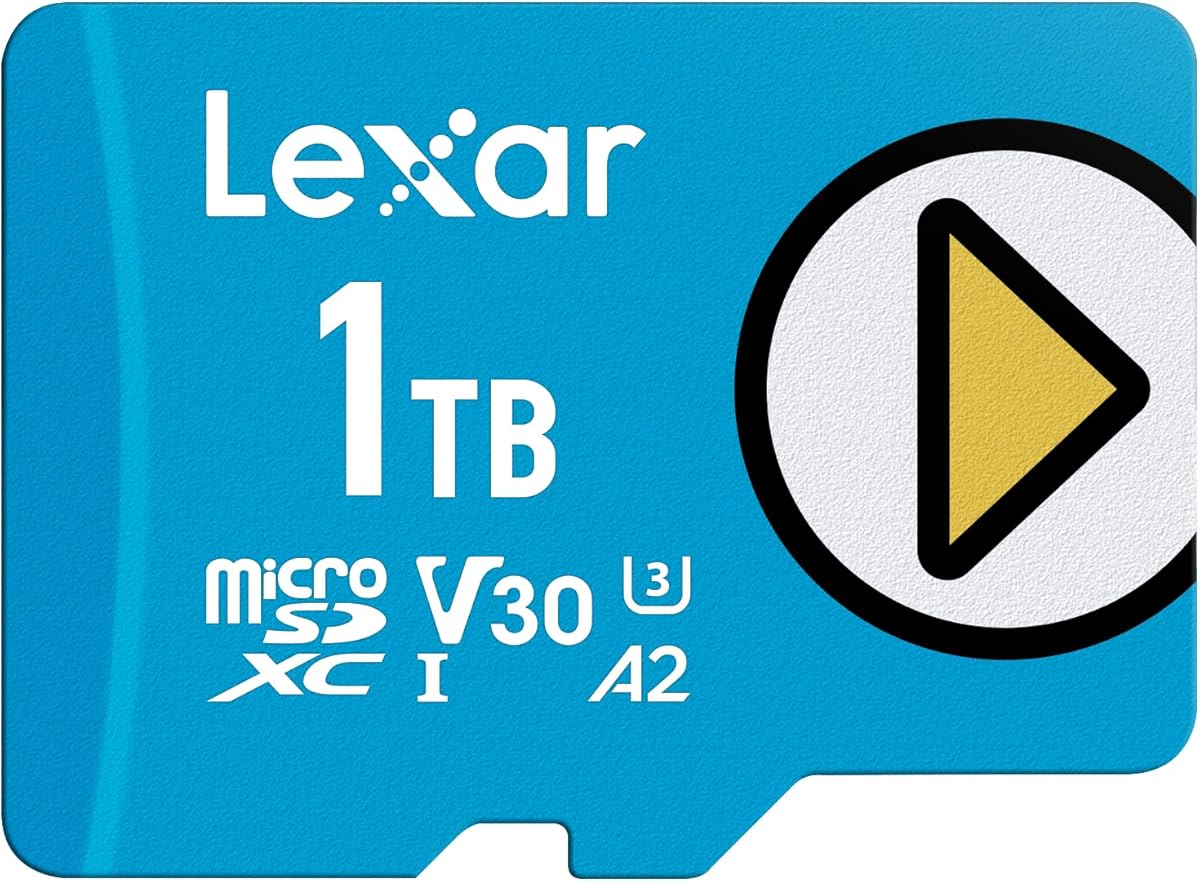
The Lexar Play Blue 1TB is aimed at gamers and mobile users who want large libraries and responsive app access. Its 4.5 rating, up to 160MB/s read speed, A2 rating, and V30 support position it as a versatile performance card for compatible games, apps, and 4K media.
We may earn a commission when you buy through this link, at no additional cost to you.
Its stated read performance is intended to reduce loading times, while A2 classification supports faster direct-from-card app performance. The card also carries UHS-I and V30 ratings, making it more versatile than a basic storage card when video recording is part of the workload.
The listing does not provide a maximum write-speed figure, which limits precise comparison with cards that publish both read and write targets. It also supports the original Nintendo Switch but not Nintendo Switch 2. Temperature resistance, waterproofing, and X-ray protection improve its suitability for mobile use.
Choose the Lexar Play Blue when app loading and game storage are priorities on a supported device. It also works for ordinary media storage and 4K workflows, though continuous high-bitrate recording may be better served by a model with a clearly stated write-speed specification.
A2 performance is designed to improve application launches and responsiveness when apps are stored on the card. Results vary according to the phone, operating system, application type, and card configuration.
The 1TB capacity can reduce the need to keep large game installs and media on internal device storage. Confirm that the console or handheld supports the card and its full capacity before purchasing.
We may earn a commission when you buy through this link, at no additional cost to you.
The TEAMGROUP A2 Pro Plus 1TB is a gaming-oriented UHS-I card with stated read and write speeds of up to 160MB/s and 110MB/s. Its U3, V30, and A2 ratings give it a modern feature set for compatible handheld consoles, Steam Deck, tablets, smartphones, and 4K recording.
We may earn a commission when you buy through this link, at no additional cost to you.
The product title identifies Nintendo Switch, Steam Deck, gaming devices, tablets, and smartphones among its intended uses. An adapter is included, and the balanced read/write profile should appeal to users who want more than a card optimized only for reading saved games or media.
The card has the lowest customer rating among the listed products, although a 4.4 still reflects generally favorable feedback. The supplied product information is also concise and does not detail the card's environmental certifications. Those points make it worthwhile to review the current listing and user feedback before ordering.
Choose the TEAMGROUP A2 Pro Plus if you want one high-capacity card across supported gaming and mobile devices. Its clearly stated transfer rates and A2 rating are attractive for load-heavy use, while the adapter and 4K support broaden its value beyond games.
The microSDXC format, included adapter, and broad device targeting make the card convenient for users moving between handhelds, tablets, and phones. Always confirm maximum capacity support in each device.
A stated 110MB/s write speed is more informative than models listing reads alone. It provides a useful baseline for recording and moving new files, subject to host-device limitations.
We may earn a commission when you buy through this link, at no additional cost to you.
The Amazon Basics 1TB 200MB/s card combines a 4.6 rating with up to 200MB/s reads and 150MB/s writes. It targets a wide range of users, including smartphone owners, tablet users, photographers, drone pilots, action-camera enthusiasts, and laptop or desktop users.
We may earn a commission when you buy through this link, at no additional cost to you.
Its UHS-I, U3, Class 10, and A2 classifications support high-resolution media and application performance. The product is listed for Full HD, 4K, and 5K recording, making it a flexible option for users moving between different types of equipment rather than specializing in one workflow.
The highest 200MB/s read result requires the separately sold Amazon Basics USB-C 3.0 reader, so that figure should not be expected from every host. The card is shockproof, IPX6 waterproof, temperature-proof, X-ray-proof, and magnetic-proof. Some older devices may not recognize the full 1TB capacity.
Choose this card for broad compatibility and strong specifications at a midrange position. It is particularly useful for a multi-device household or creator who wants 4K and 5K support, fast transfers, and an included adapter without committing to one of the roundup's most specialized premium products.
The card can reach its stated top read speed with the specified USB-C 3.0 reader, which is sold separately. Compatible but slower readers will still provide a functional transfer path without matching headline results.
Smartphones, drones, action cameras, computers, and traditional cameras can all benefit from a single high-capacity card. Check each device's maximum supported capacity and media requirements before transferring an important project.
We may earn a commission when you buy through this link, at no additional cost to you.
The SanDisk Extreme PRO 1TB is a high-end option for creators who need quick offloading alongside strong continuous write performance. Its 4.7 rating, up to 200MB/s reads, and up to 140MB/s writes position it as a capable card for demanding photographic and video workflows.
We may earn a commission when you buy through this link, at no additional cost to you.
SanDisk Quick Flow Technology is designed to reduce card-offload time, while pairing the card with the separately sold SanDiskProfessional PRO-READER can enable its maximum stated speeds. A2 performance supports application access, and the included adapter broadens compatibility with SD-equipped devices.
The card is built and tested to resist temperature, water, shock, and X-rays, supporting use in demanding environments. Reaching maximum transfer rates requires suitable hardware, and SanDisk Memory Zone is available for file organization. As with any high-end card, host-device capabilities will determine real-world results.
Choose the SanDisk Extreme PRO for professional-looking production needs, large media libraries, and fast workflows. It is a strong fit for photographers, videographers, drone users, and other creators who value sustained write performance and recognizable file-management support.
Quick Flow Technology focuses on the time required to move completed files from a card to a computer. The separate PRO-READER is the intended path to reaching the card's maximum advertised transfer rate.
The stated 140MB/s write speed provides useful headroom for continuous photo sequences and video recording. Sustained results still depend on the camera, file format, card behavior, and host workflow.
We may earn a commission when you buy through this link, at no additional cost to you.
The most useful 1TB microSD card is not necessarily the one with the largest headline number. Capacity is fixed across this list, so your decision should instead emphasize device compatibility, sustained performance, video and application ratings, durability, and the accessories needed for your workflow.
Read speed matters when copying photos, moving video libraries, or loading files from a card, while write speed is critical when a camera records continuous high-resolution footage. Published maximum figures generally represent favorable test conditions and may require a compatible card reader, cable, interface, and host device. For creators, a clearly stated write speed is more informative than a read speed alone. The SanDisk Extreme, PNY PRO Elite Prime, SanDisk Extreme PRO, and Amazon Basics 200MB/s model all publish both figures, giving buyers a more complete performance picture.
Prioritize a card with a strong write rating for recording, and a strong read rating for frequent offloading. Treat all peak figures as conditional rather than guaranteed in every device.
U3 and V30 classifications are important for users who record 4K UHD or other high-bitrate video. The minimum sustained write requirement associated with these ratings helps ensure the card should not become the bottleneck during recording. Some products also advertise 5K capture, but your camera or phone must support that resolution, codec, frame rate, and bitrate. A capacity alone says nothing about whether a card can keep up with a demanding recording session.
Choose U3 V30 for modern high-resolution recording when available. For Full HD or light use, a Class 10 card may be sufficient, but greater headroom is valuable as file sizes increase.
A2 performance is designed for devices that can run applications directly from a microSD card, making it relevant to Android phones, tablets, and supported handhelds. A1 cards also support application use but carry lower baseline random-read and random-write requirements. These ratings do not determine video recording speed, yet they can influence launch times and responsiveness when games or apps are stored on removable storage. Phones vary considerably in implementation, so compatibility remains important.
Favor A2 for app-heavy mobile or gaming use. Choose A1 when the priority is straightforward media storage and the host device does not benefit materially from A2.
Before buying, confirm that your phone, tablet, camera, drone, console, or handheld accepts microSD cards and supports a maximum capacity of 1TB. Some devices impose lower limits, and operating systems will always display less than the nominal capacity after formatting. The 1TB Amazon Basics listing specifically warns that a device limited to 64GB will not recognize the full capacity. Nintendo Switch 2 is also excluded by multiple products, while the original Nintendo Switch is supported by some cards.
Check the device manual for capacity limits, card formats, and speed-class requirements. A card that is physically compatible may still be rejected if its capacity or rating is unsupported.
Cards used in action cameras, drones, dashcams, and outdoor devices face moisture, impact, temperature variation, and electrostatic exposure. Relevant protections include water resistance, shock resistance, temperature resistance, X-ray resistance, magnet resistance, vibration resistance, and drop resistance. These features help protect the card, but they do not make every scenario risk-free. A protective case, proper insertion, routine backups, and safe removal remain important even for rugged models.
For portable or outdoor use, compare the stated protection profile with your actual conditions. Waterproof claims should not be read as permission to leave a card submerged beyond its specified rating.
A 1TB card can hold large quantities of photographs, video, music, games, or mixed files, but your dominant workload should influence the choice. Photographers may prioritize burst-write speed, while casual phone users may need little more than adequate read performance and app access. Video creators need sustained throughput, and gamers may care more about random access and load times. Mixed-device households benefit from a card with broad compatibility and modern speed classes.
Write more than you expect to store, and use the capacity to keep a working library rather than a single fragile backup. The best card is one that handles your normal activity without running out of sustained performance.
A microSD card is only as fast as the path used to access it. Many cards in this roundup include a full-size SD adapter for cameras and computers, but adapters usually support only the UHS-I interface and may not unlock their maximum transfer rates. Some products call for a specific USB reader, while the Amazon Basics 200MB/s card needs a separately sold USB-C 3.0 reader to reach 200MB/s. For a new setup, a compatible UHS-II or USB reader may be worthwhile for faster backups.
Check whether the card includes an adapter and which reader is necessary for maximum speed. Use a reputable reader and a correctly rated cable to avoid bottlenecks during offloading.
Warranties, file-management utilities, and recovery tools can add value after the purchase. Lexar Blue includes a ten-year limited warranty and lifetime access to its recovery tool, while SanDisk cards support the Memory Zone app. Recovery utilities can assist with some accidental deletion or formatting errors, but they cannot guarantee every recovery and should never replace separate backups. Firmware updates, compatibility information, and warranty administration may also be easier through an established brand's support channels.
Consider support software and recovery access when comparing otherwise similar cards. Maintain at least one additional copy of irreplaceable footage in a different storage location.
Before inserting a new card, format it in the device that will use it most often. This establishes a compatible file system and helps the host recognize the full 1TB capacity. Use the card's built-in formatting function rather than a computer utility unless the host explicitly recommends the latter, and avoid interrupting the formatting or writing process.
When moving files, eject or safely remove the card after the operating system confirms that writes are complete. Read the card with a compatible high-speed reader when offloading large media batches, and use the correct adapter for cameras or computers with full-size SD slots. Never force a card into a device, and keep the contacts clean and dry.
Protect the card from extreme conditions, moisture, and impact even when the model lists strong environmental resistance. Back up important footage promptly, periodically inspect the device slot, and replace a card that reports errors or behaves inconsistently. If a card is removed unexpectedly or a device reports corruption, stop using it until the data has been backed up or recovered.
A 1TB card usually provides plenty of space for extended 4K recording, but the correct card depends more on sustained write performance than raw capacity. Look for U3 and V30 ratings and a clearly stated write speed. The camera must also support the card, and recording time depends on the codec, bitrate, frame rate, and whether audio is included.
No. Devices can impose maximum capacity limits even when they use the microSD format. Check the manufacturer's specifications for the largest supported card and required speed class. A device limited to 64GB, for example, cannot use the full 1TB capacity and may not recognize the card at all.
A faster card can prevent dropped frames or recording failures when the device and video settings demand high sustained throughput. It does not directly increase resolution or image quality. If a device supports only a particular recording bitrate, a card beyond that requirement may still work correctly but offer little practical improvement.
A1 and A2 are application performance classes designed for devices running apps or games directly from a card. A2 has higher baseline random read and write requirements, so it can improve app loading and responsiveness in compatible devices. Neither rating should be treated as a direct substitute for the minimum sustained write speed required for video recording.
Operating systems, file systems, and measurement conventions affect the displayed capacity, and some space is reserved for system functions. Amazon Basics states that its 1TB card provides at least 908GB of usable capacity after considering formatting and binary-versus-decimal differences. The card may also contain additional space, but the usable amount visible in your device remains authoritative.
Several cards in this roundup are compatible with the original Nintendo Switch, but none of the supplied products is listed as compatible with Nintendo Switch 2. Model support can also vary by region and hardware revision. Check the console's manual and current product listing before purchasing, and update the console software as well.
It depends on the card and its listed conditions. Some products specify a particular reader for maximum performance, while others require a separately sold USB-C 3.0 reader. A basic adapter may function correctly but remain limited by the USB interface. For the fastest backups, use the reader recommended by the card manufacturer or a reader known to support UHS-II.
Treat the card as removable media rather than the only copy of irreplaceable files. Transfer important footage to a computer, cloud service, or drive, verify that the files open correctly, and retain a separate backup. Safely eject the card, avoid removing it during writes, and replace it if your device reports repeated errors or unusual corruption.
The SanDisk Extreme 1TB stands out as the most complete performance option, with the highest stated read speed, strong write performance, modern video ratings, and extensive durability protections. The SanDisk Ultra 1TB delivers a more economical balance for everyday phone and tablet storage, while the Samsung PRO Plus 1TB provides premium balanced transfer speeds, modern ratings, and broad creator-friendly compatibility.
Your priority should determine which specification matters most: sustained write speed for video, A2 performance for apps and games, environmental resistance for travel, or a compatible reader for fast offloading. Do not overvalue the largest read-speed number if your main activity is recording, and confirm that every target device supports 1TB capacity before buying.
Finally, check the current listing, compatibility details, accessories, and latest price before ordering. Product specifications and promotional pricing can change over time, and a compatible high-speed reader can materially improve your actual experience with any of these cards.